Product Releases
Meet our new brand: ARQ
ARQ opens the world’s strongest assets and markets to travelers, investors, and professionals – so they can grow their money wherever they are.
ARQ TeamMarch 2, 2026
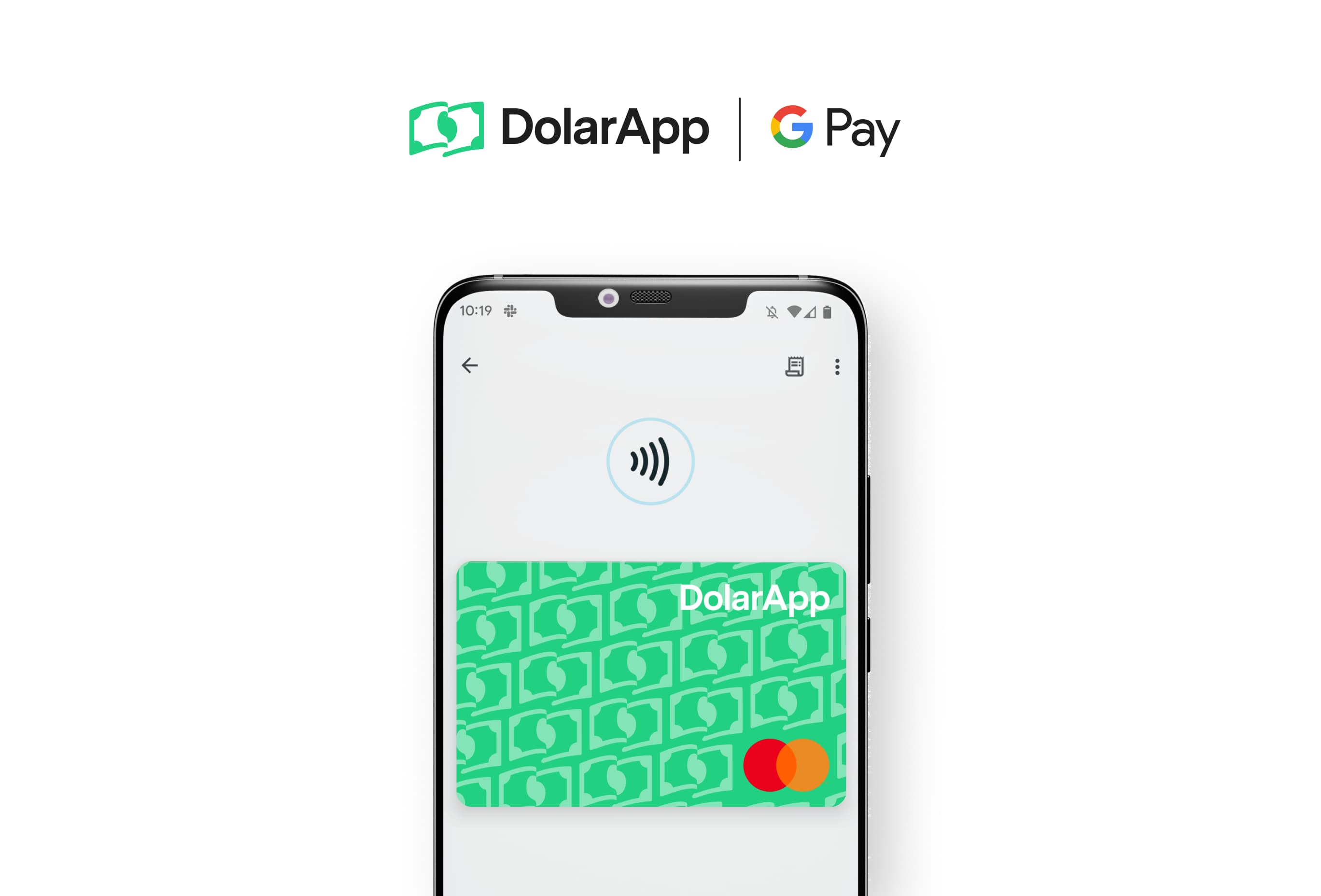

To use Google Pay with ARQ, add your ARQCard to Google Wallet and pay with a tap from your phone. Open ARQ, choose your card, tap “Add to GPay,” and complete the steps in the app.
Getting started with Google Pay on ARQ is quick and easy. Follow these steps to link your ARQ card to Google Pay:
1. Download the Google Wallet app from the Google Play Store.
2. Open ARQ and select the card you want to add to Google Pay.
3. Tap the "Add to GPay" button and follow the simple steps provided in your app.
4. Set your ARQCard as your preferred payment method within the Google Pay app.
Once you've linked your ARQCard to Google Pay wallet, it’s ready to be used! Make quick and effortless payments with just a tap of your phone, all with the same great benefits you expect from ARQ.
Have questions? Chat to our support team in the app or over email.
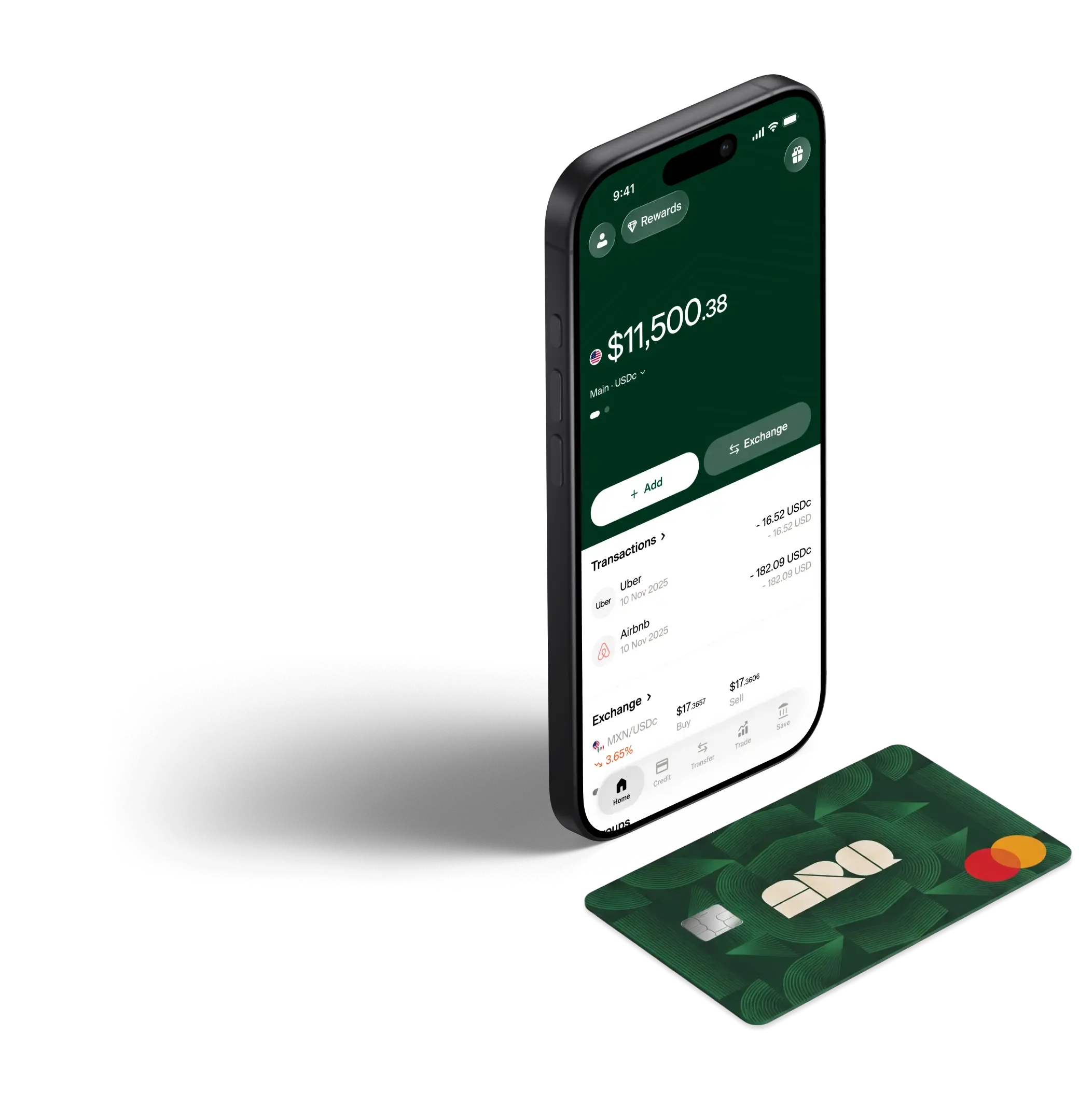
Get digital dollars and digital euros in seconds, at real market rates. Without hidden fees.
ARQ opens the world’s strongest assets and markets to travelers, investors, and professionals – so they can grow their money wherever they are.
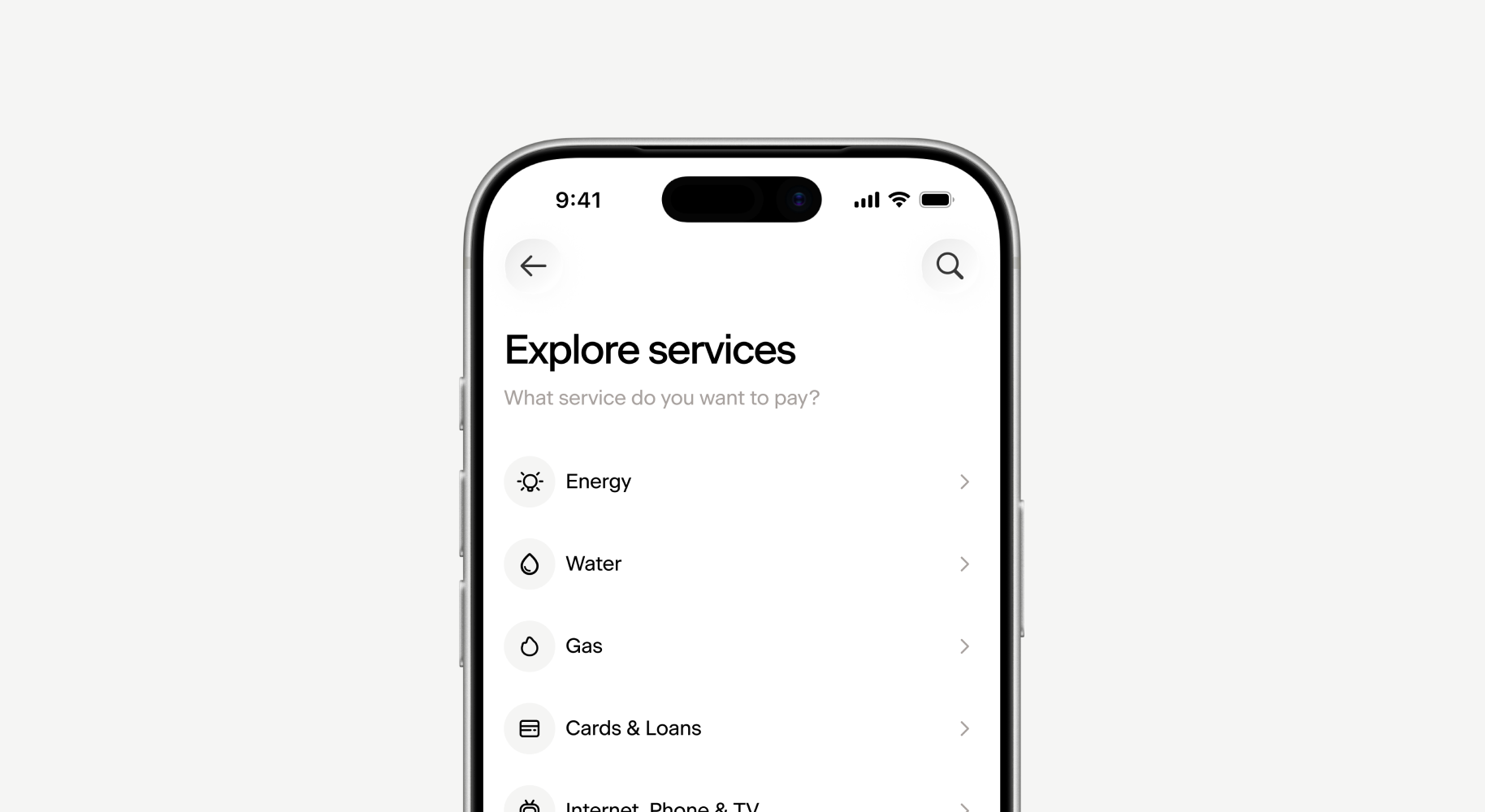
Pay hundreds of public and private services directly from ARQ, using your balance in digital dollars or digital euros.
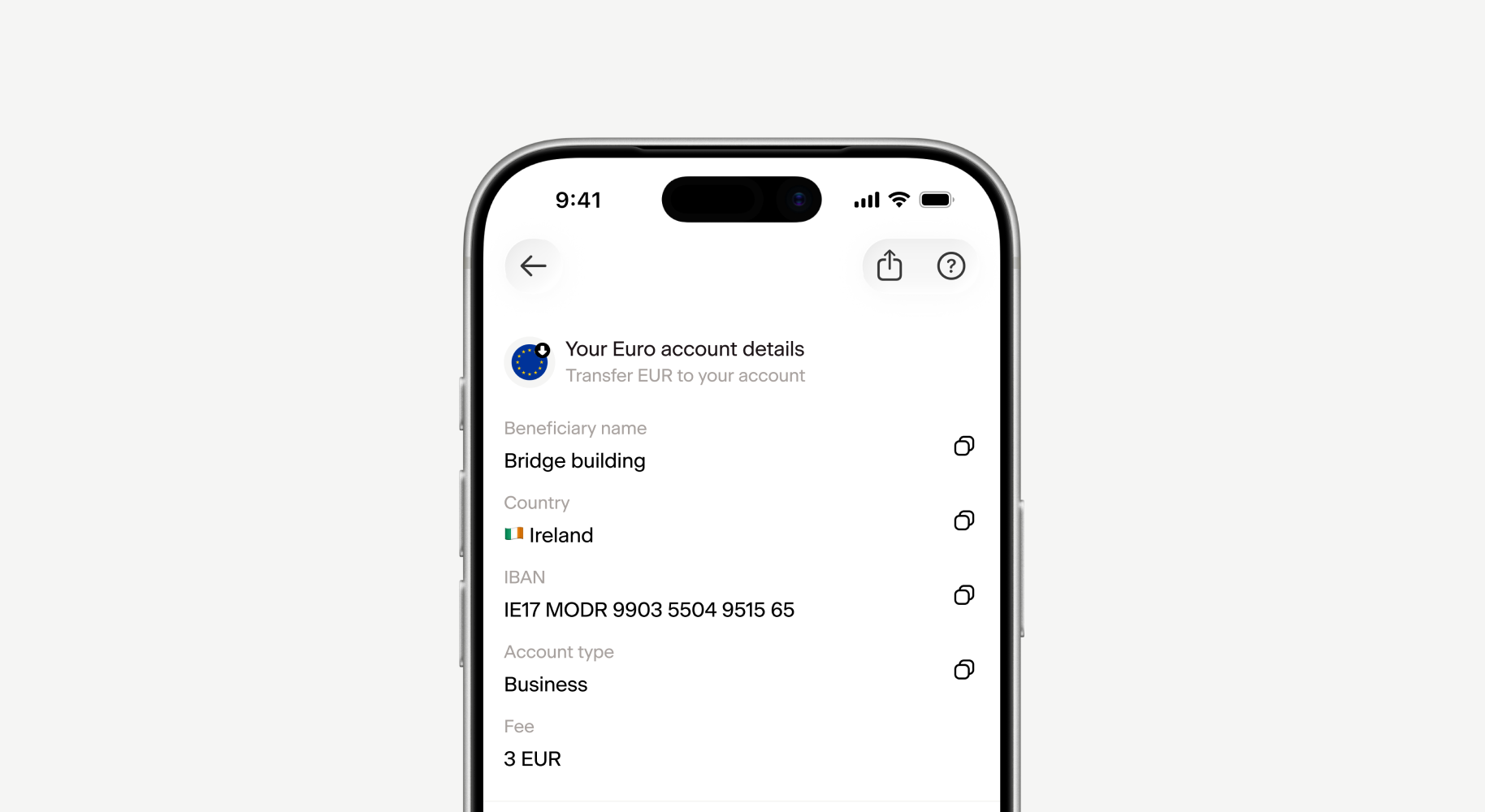
Euro account details, which will expand the borders of your finances to include Europe. Get your Euro account details now!
Scan the code and join ARQ.
2 million people around the world already manage their finances with ARQ.