Product Releases
Conheça nossa nova imagem: ARQ
ARQ conecta os ativos e os mercados mais fortes do mundo com viajantes, investidores, e empreendedores para que eles guardem e invistam seu patrimônio de onde estiverem.
ARQ Team2 de março de 2026
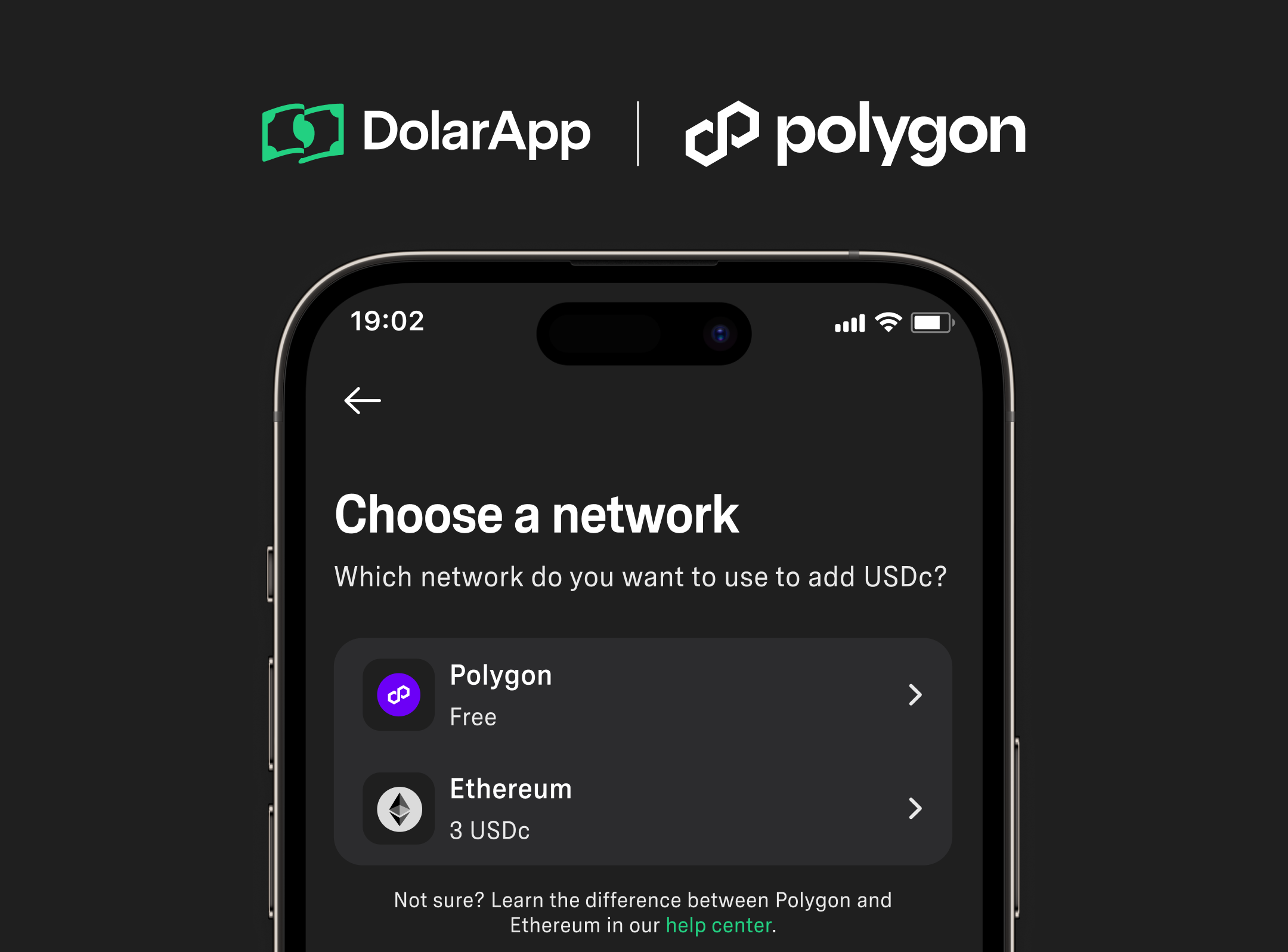

To deposit USDC on Polygon PoS into ARQ, open the app, tap “Top up” (or “Receive”), go to “Crypto,” and select “USDC” on the Polygon network. Then share the address or QR and transfer from your wallet.
We’re excited to announce that we now support USDc top-ups on Polygon PoS to ARQ at no cost ($0).
This new alternative is in addition to the existing ones to top up USDc on Ethereum and USDT on Tron.
You can transfer digital dollars (USDc) to your ARQ account by following these simple steps:
Open your app and go to the “Add” button or the “Receive” tab.
Tap on “Crypto”.
Choose “USDc” and then your desired network: Polygon
Copy your wallet address or scan the QR code and send your USDc from other wallets.
Polygon PoS is a Layer 2 scaling solution and decentralized application development infrastructure for Ethereum. Polygon PoS increases the transaction throughput for Ethereum-based assets and uses a modular framework to support the execution of interoperable smart contracts.
If you have any questions, don’t hesitate to contact us through the in-app support chat or help@dolarapp.com.
Team ARQ.
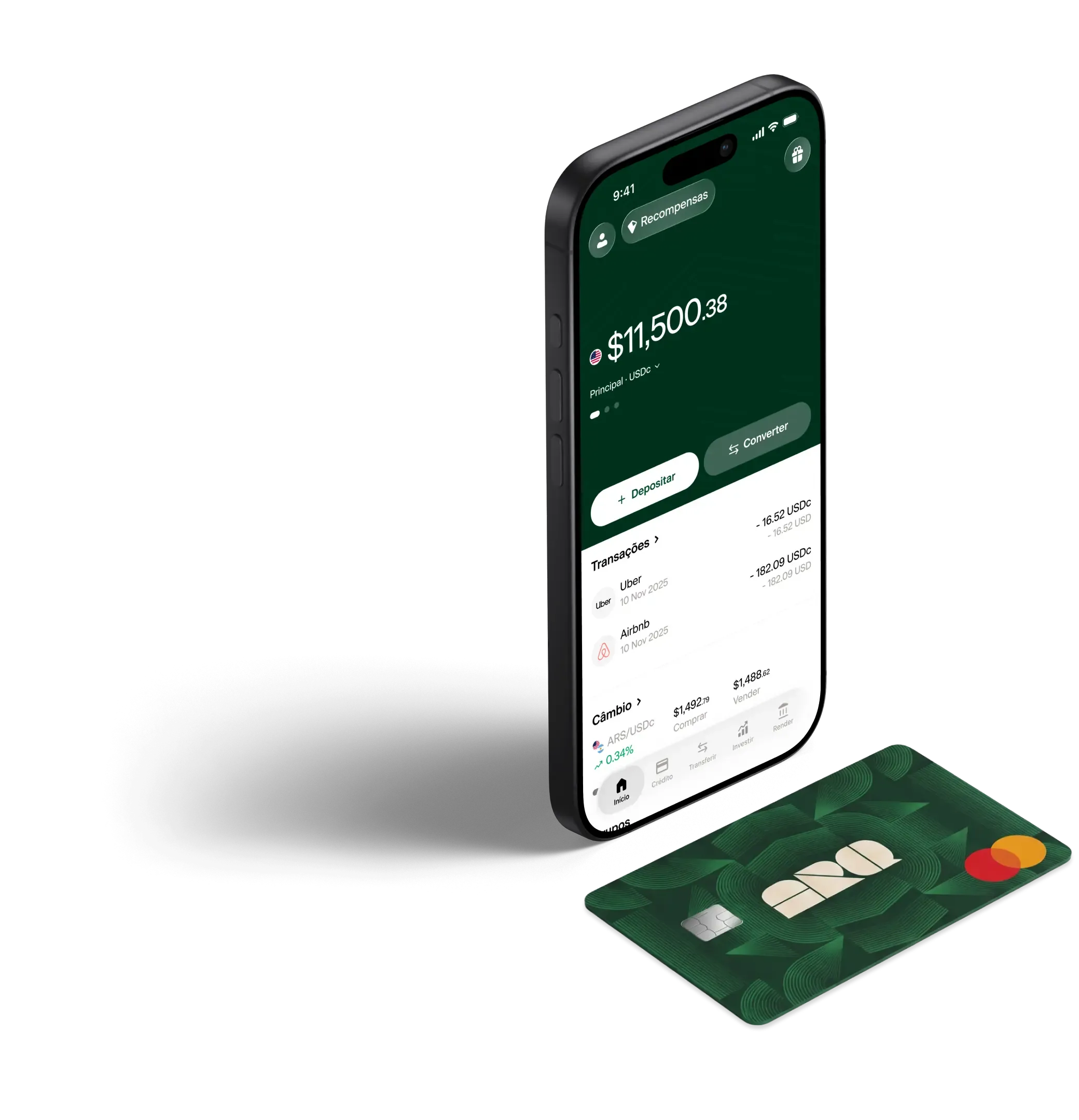
Converta pesos em dólares digitais ou euros digitais em segundos, com as taxas reais do mercado. Sem taxas ocultas.
ARQ conecta os ativos e os mercados mais fortes do mundo com viajantes, investidores, e empreendedores para que eles guardem e invistam seu patrimônio de onde estiverem.
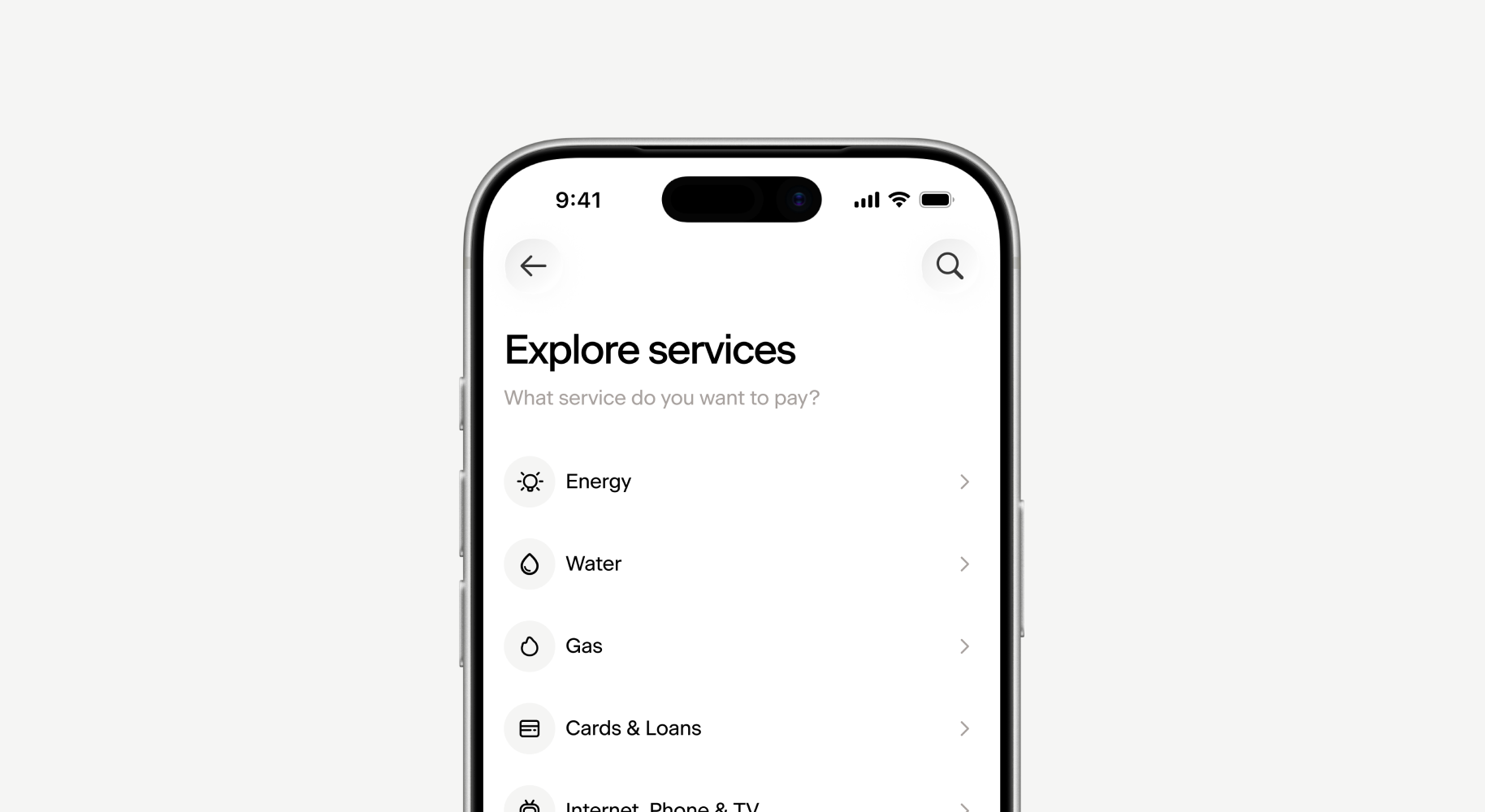
Pay hundreds of public and private services directly from ARQ, using your balance in digital dollars or digital euros.
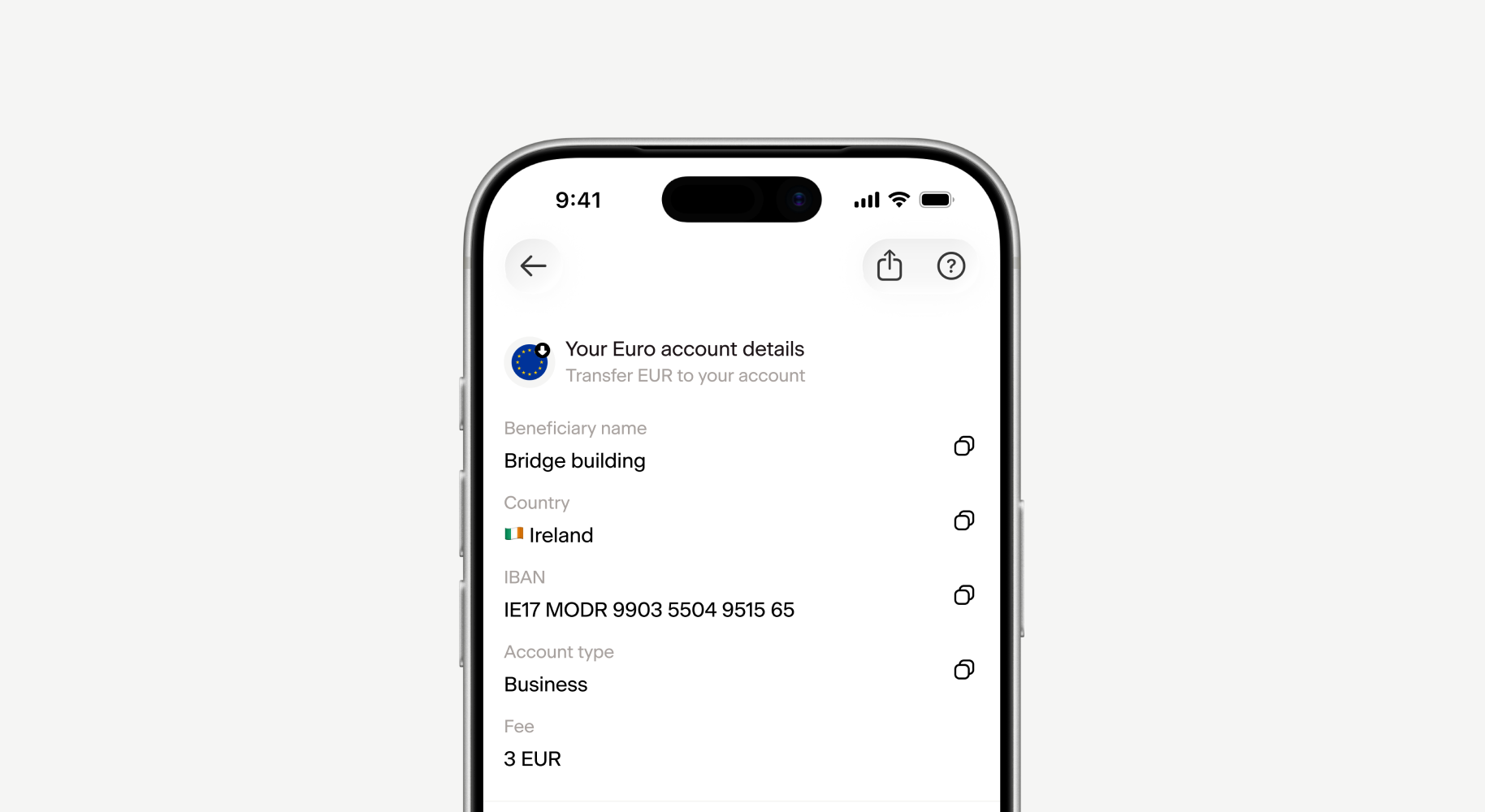
Euro account details, which will expand the borders of your finances to include Europe. Get your Euro account details now!
Escaneie o código e junte-se ao ARQ.
2 milhões de pessoas no mundo já gerenciam suas finanças com o ARQ.