![Todoist: what it is, how it works [why you should use it in 2026]](https://images.ctfassets.net/h9i30ml9c3lu/49uDvoeEaD0Fk0vmeoiGJB/4c10aec73c2b36f7c378764770925306/PORTADAS_BLOG_DOLARAPP.jpg)
Freelancer tips
Todoist: what it is, how it works [why you should use it in 2026]
Tired and stuck with endless to-dos? Discover how Todoist 2026 can transform the way you stay organized.
Felipe Quintero Gómez22 de setembro de 2026
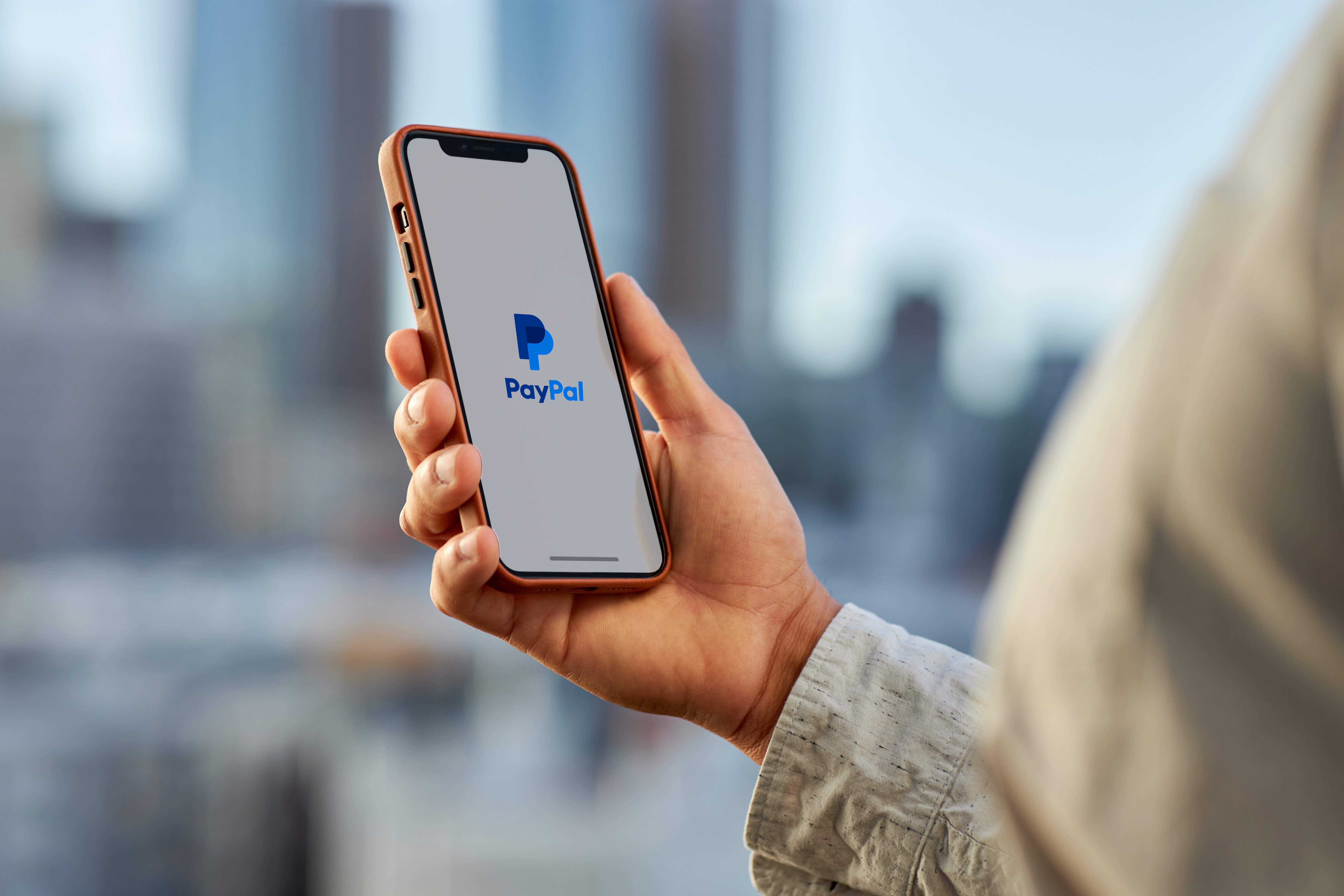
To transfer your PayPal balance to ARQ, link a U.S. bank account in PayPal and enter your ARQ account details (Checking) from Receive > Dollars. Then confirm the account using the 4-digit code.
If you have balance in a PayPal account, you may need to transfer it to ARQ in order to use it, either directly with your ARQ card or by sending it to your bank account.
Discover how to set up ARQ as a bank account to send balance from PayPal to your ARQ account for just 3 USD.
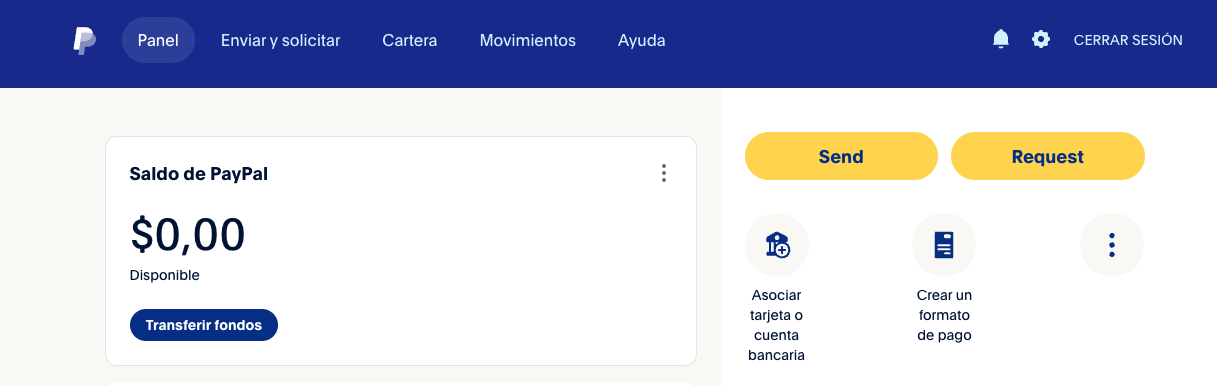
Here, you can link bank accounts and debit/credit cards that fund your PayPal payments and allow you to withdraw your balance.
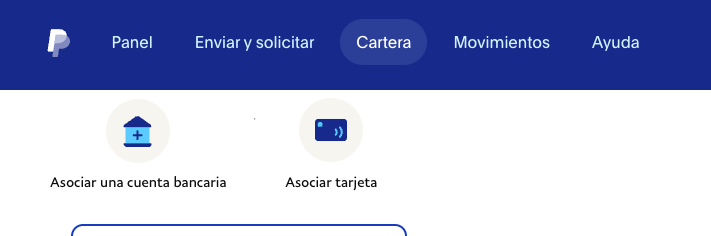
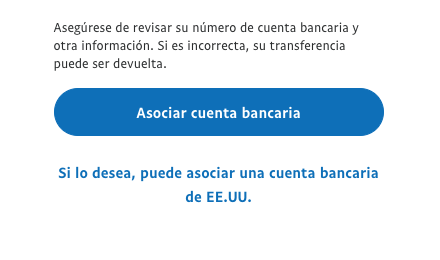
Now you must link a new bank account to your PayPal account by clicking on "Link a bank account".
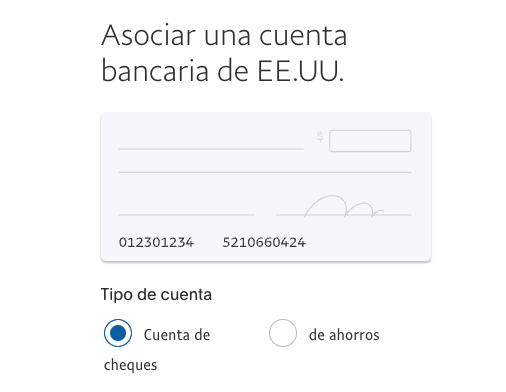
Make sure that you are going to associate a US bank account, as this will allow you to enter the account data provided by ARQ.
Remember that your account is a checking account. Enter the details of your ARQ account in PayPal and complete the information.
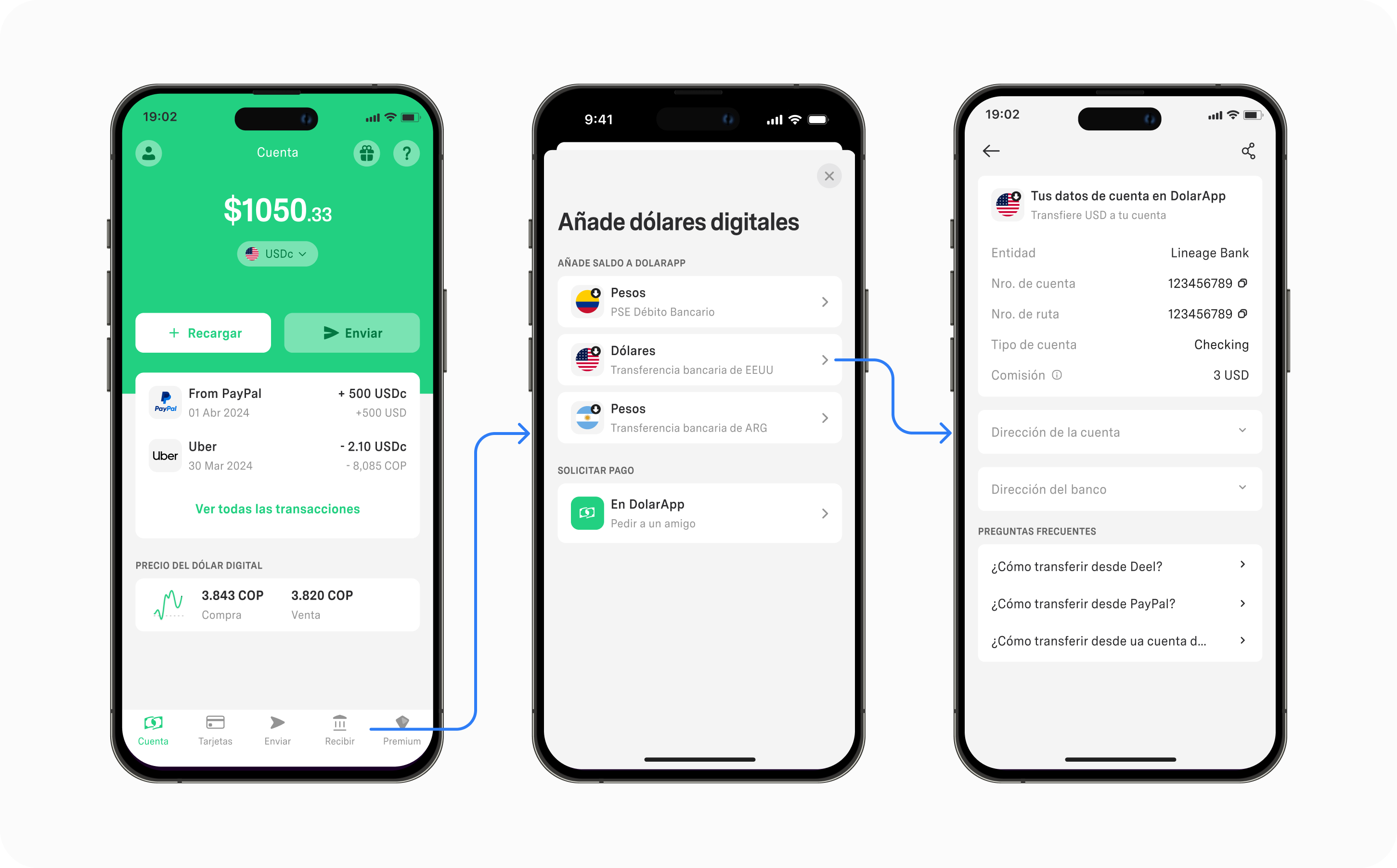
If you still don't have a ARQ account and your US account details, download ARQ today.
💡 Tip: Skip the step related to setting up direct debits (by clicking on "Finish later") - PayPal may prompt you for this multiple times, but direct debits are not an option with ARQ accounts, so you must skip this step.
PayPal verifies its users by sending a small transaction to their new bank account along with a unique 4-digit code as a reference. This may take up to several days to arrive, but we hope it happens in less than a few hours. Keep checking your ARQ account to find this transaction. Enter the corresponding code in your PayPal "Wallet" as part of the "confirm your bank" process. This should verify your account.
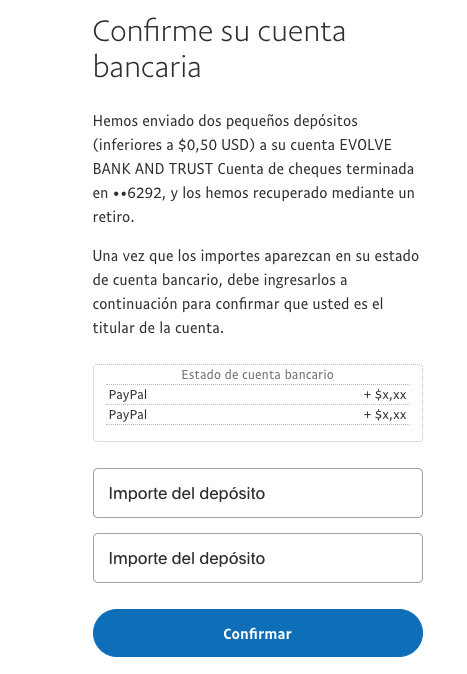
Your ARQ details should be added to PayPal, and you can choose this account as your withdrawal method whenever you need it.
If you have any doubts about this process or have any inconvenience, do not hesitate to contact our support team through the chat available in the app or via email at help@dolarapp.com.
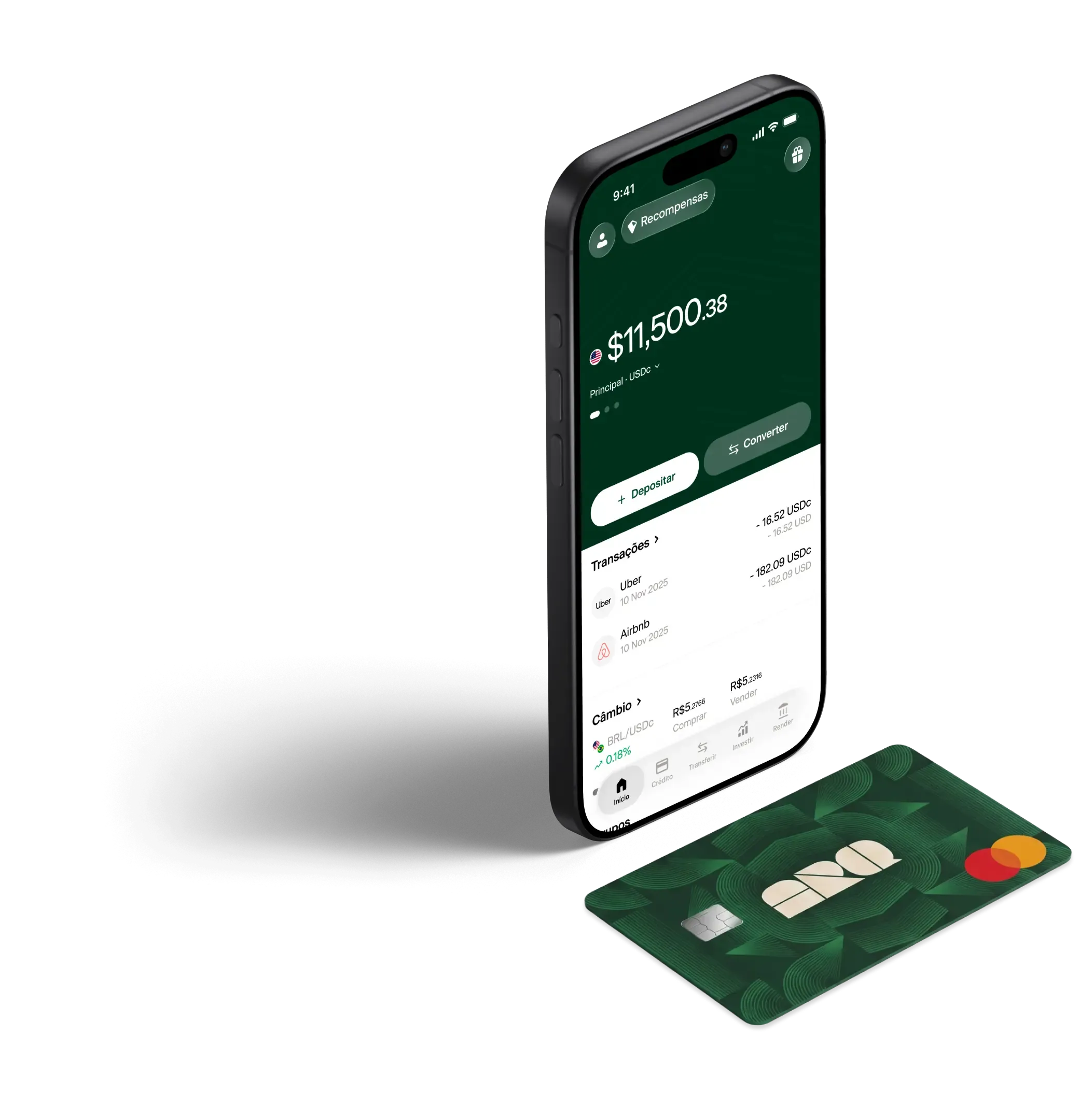
Converta reais em dólares digitais ou euros digitais em segundos, com as taxas reais do mercado. Sem taxas ocultas.
Tired and stuck with endless to-dos? Discover how Todoist 2026 can transform the way you stay organized.

A power of attorney letter for procedures can make your day-to-day easier. Learn here what it must include, when to use it, what the law says, and download free editable templates.

Learn how to calculate percentages using simple formulas, alternative methods, and tricks that will make any operation easier in your daily life.
Escaneie o código e junte-se ao ARQ.
2 milhões de pessoas no mundo já gerenciam suas finanças com o ARQ.